Share an automation with your team
An automation carries a Shared with audience: named teammates, or everyone in the workspace. Each run’s conversation is shared with them before the agent starts, and the report email reaches them alongside the creator. Someone you add gets an invitation naming the automation, what it does, and when it next runs.Membership is re-checked at every run, so a teammate who leaves the workspace stops receiving its conversations and reports.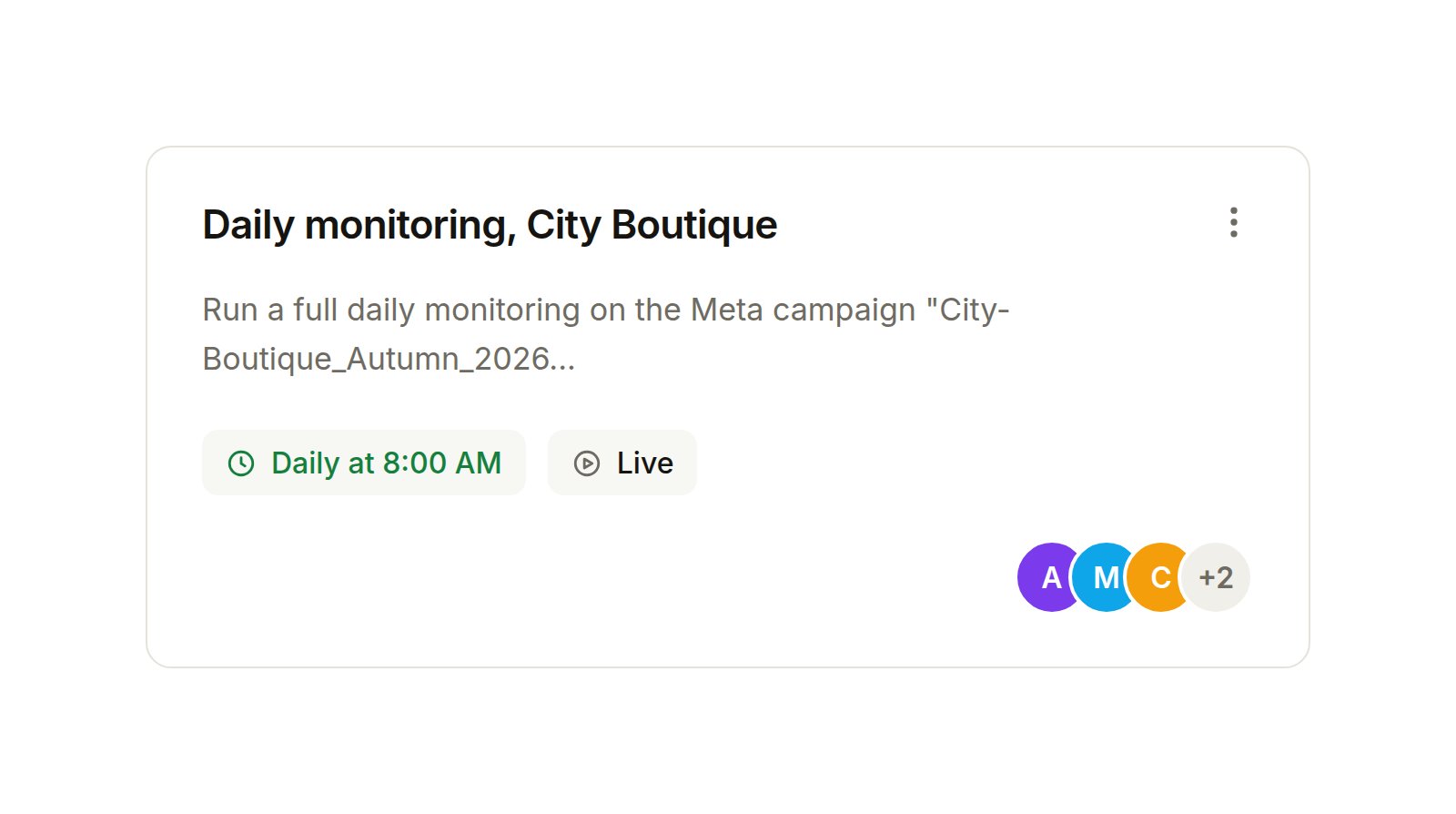
Meta creative previews in the conversation
The chat sidebar now carries a Creative previews card listing the Meta ads in the conversation as thumbnails. Open one to see the ad exactly as Meta renders it, switch between placements, and copy Meta’s shareable preview link. Reviewing a creative no longer means opening Ads Manager.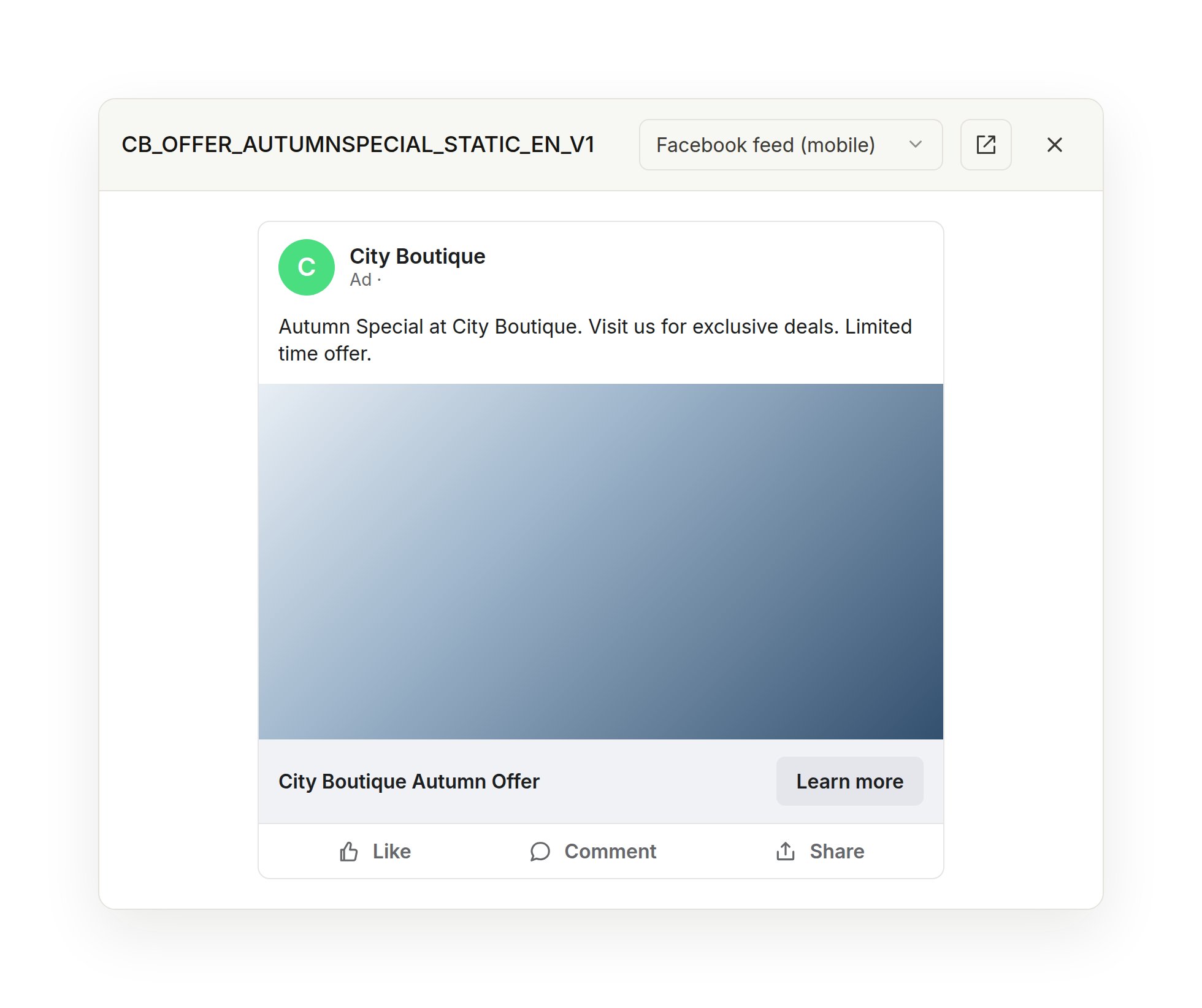
Duplicate a Meta entity, exactly
Concord now uses Meta’s own copy operation. A campaign, ad set, or ad is duplicated with its creative, targeting, and placements intact, always paused, and an ad set or ad can be copied into a different campaign or ad set. Duplicate first, then ask for the changes you want as a normal platform action.→ Learn about Meta managementA review screen for platform actions
Every prepared group is a card in the conversation. Open the review screen for the full per-field diff, submit or cancel from there, and ask for an edit without leaving it. It works on mobile, and fields where nothing actually changes are no longer listed as changes.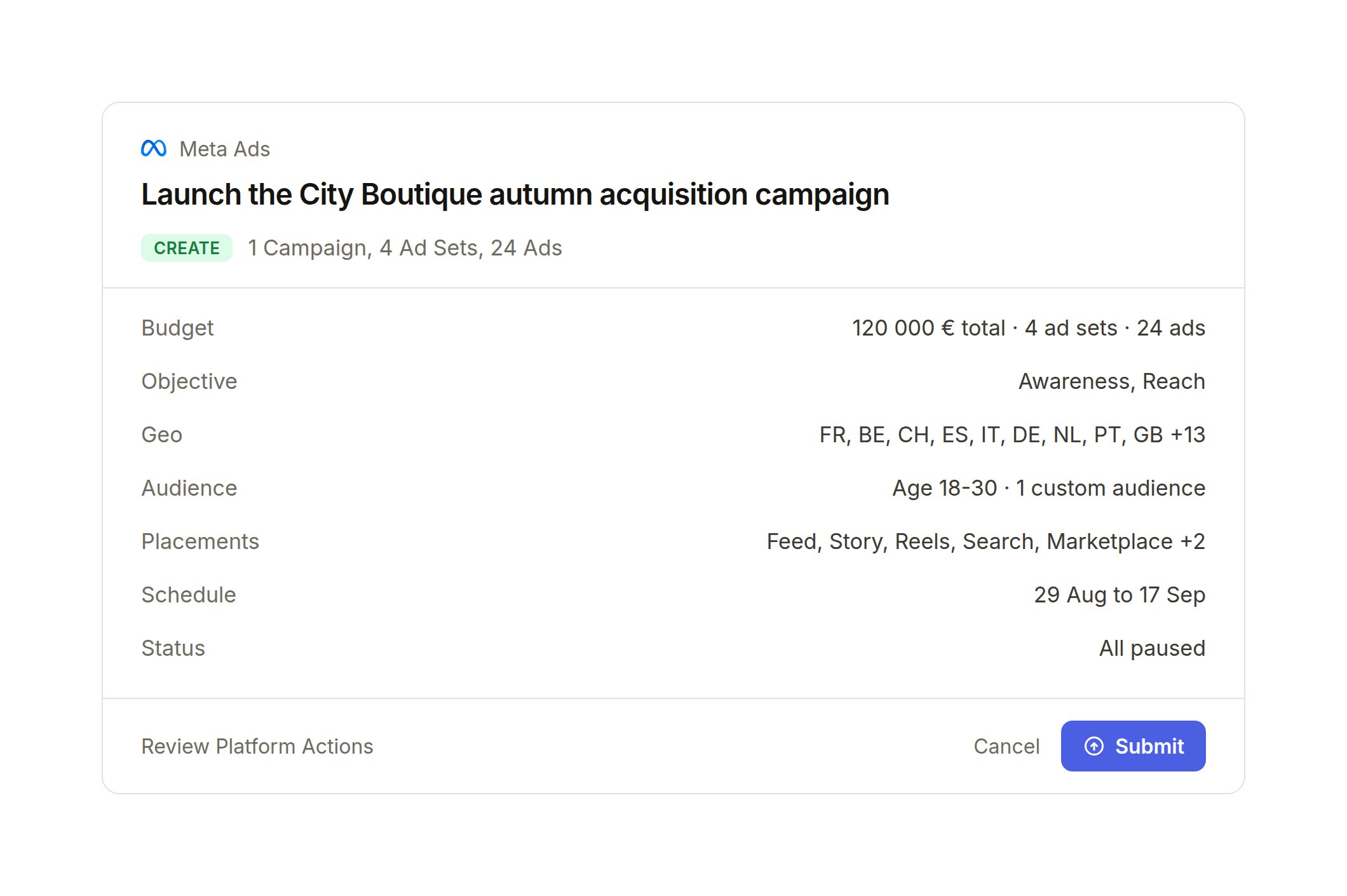
Custom MCP connectors, for every workspace
Connect your own MCP server from Connectors, including authorization servers that require a pre-registered OAuth client (Entra ID, Okta, Auth0, Cognito). Custom MCP connectors were in early access and are now available to everyone.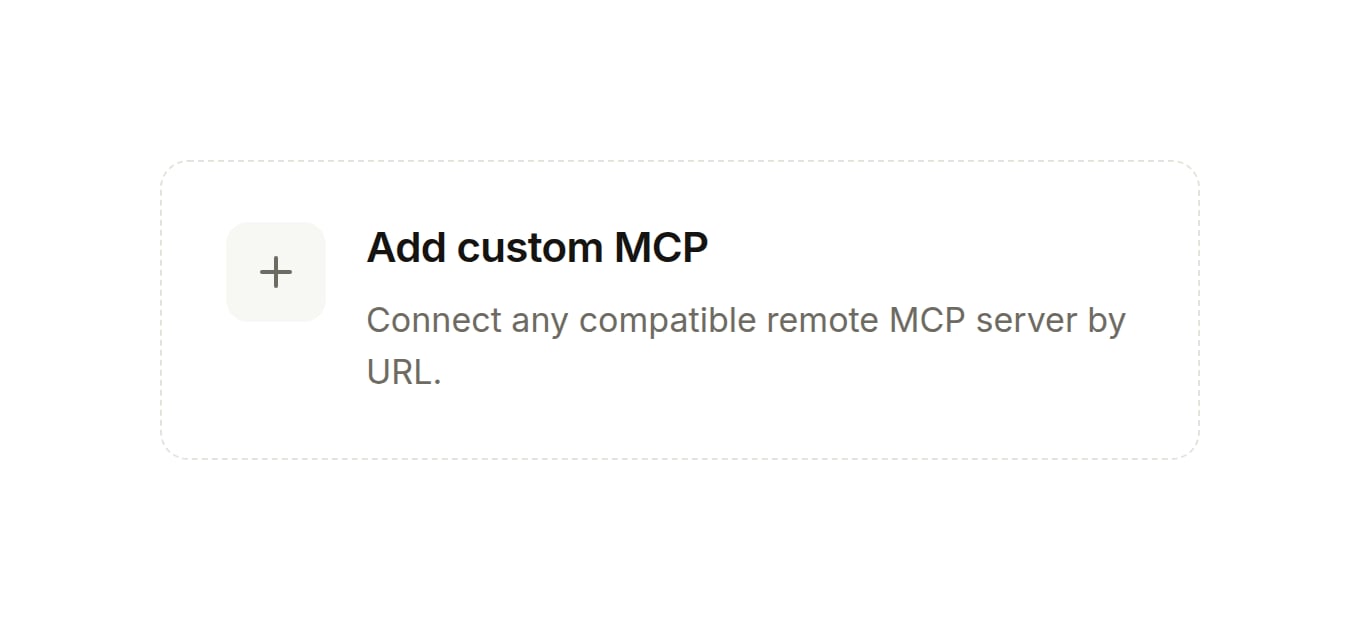
By platform:
- Google Ads. App Promotion campaigns are supported, in all three sub-types. YouTube channel targeting resolves on Google Ads. A campaign that is not synced yet can be found by name directly on Google.
- Meta. iOS 14 and SKAN are set at campaign level. Campaign and ad names are capped at 400 characters before submission. Oversized PNGs are resized at upload.
- TikTok. Postal code targeting for the US and Canada. Ads are dark by default, Spark only when you name the post to boost. Ad group locations come back as readable names. A dayparting optimizer flags underperforming hours and proposes a schedule for your review.
Also new:
- A Skills page that writes Skills for you. New skill offers analyses Concord runs on your own account, each row carries a one-line summary of what the Skill does, and the list is searchable.
- Skill loading in the conversation. When Concord applies one of your Skills, the thread says so.
- Organization description is now Organization Instructions. Same page, clearer name.
- A workspace switcher in the account menu.
- The connected account now appears on each connector card.
Work on campaigns together, in real time
You can now share any Concord conversation with your team. Share a chat from the header and everyone sees the same thread, messages, platform actions, and agent responses all in sync. Use @mentions to loop someone in without triggering the agent: they get an email notification and a direct link.→ Start a chatSnapchat Sponsored Snaps
Concord supports the Sponsored Snaps format on Snapchat, ads delivered directly in the Chat Feed. Ask for a Sponsored Snap campaign and Concord handles the placement setup and validation.→ Learn about Snapchat managementA structured summary on every platform action
When Concord builds or updates a campaign, the platform action card shows a summary organized by category, targeting, budget, creative, and schedule, so you see what changes before approving.→ Learn about platform actionsAlso new:
- Meta geo targeting extended. New location types, including DMA and electoral district, are supported in Meta campaign targeting.
- Meta ThruPlay. The ThruPlay metric is available in your Meta reports.
Google Ads is live
Concord now connects to Google Ads. Create and manage Search and Performance Max campaigns, set bidding and networks, manage keywords and negative keyword lists, add extensions, and pull performance reports, all from the same chat you use for your other platforms.Connect your Google Ads account from Connectors in Settings.→ Connect Google AdsYouTube video campaigns on Google Ads are in early access. Reach out to get them enabled for your workspace.Integrations are now Connectors
The integrations page is now Connectors, organized by category. Each connector has its own detail page where you can see the connected account, review what’s in scope, and refresh or reconnect in one click.→ Open ConnectorsPersonal instructions
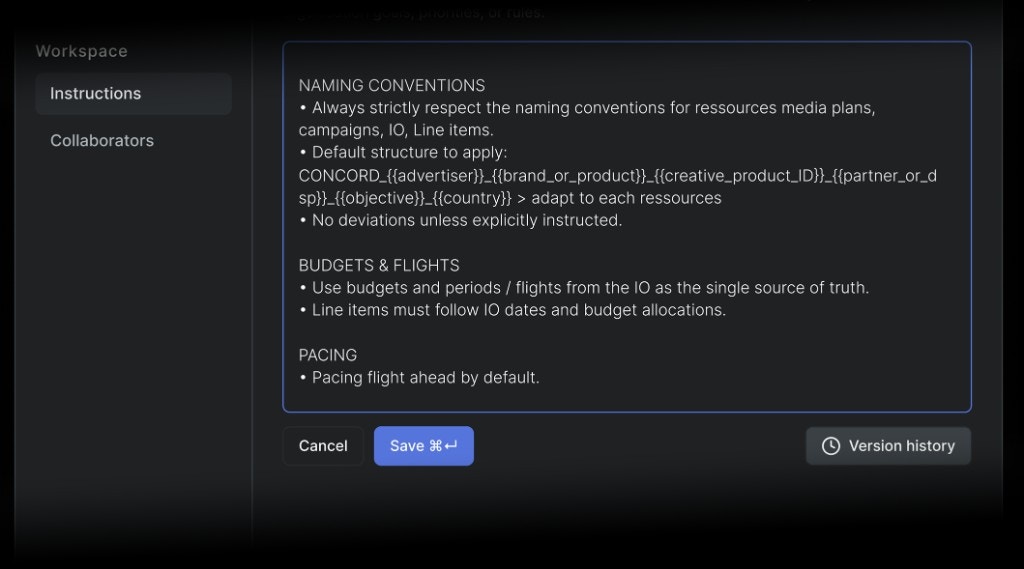
You can now add your own instructions from Settings > Profile. Concord follows them across your conversations, on top of your workspace instructions, so you can set personal preferences like how concise you want answers or whether to include the reasoning behind a recommendation, without changing anything for the rest of your team.→ Set your instructionsA guided setup for new workspaces
New workspaces now open with a short onboarding flow that walks you through connecting a platform and setting your scope, so a new team gets to its first campaign faster.→ Open ConcordRicher file previews in chat
PowerPoint decks and Excel workbooks now preview directly in the conversation. Spreadsheets render with their styles and sheet tabs, including.xlsm files, and you can open any file in a larger preview without leaving the chat.→ Start a chatAlso new:
- Meta Lead Ads. Build lead campaigns with an Instant Form or a Messenger flow, and reuse your lead forms as platform resources.
- Meta reach estimates. Ask for a delivery estimate before you launch to gauge the reach of a setup.
- Saved audiences. Concord syncs your Meta and TikTok saved audiences as resources you can reuse across campaigns.
- Snapchat advanced formats. Lens, Collection, Lead Gen, App, and Dynamic Product Ads are now supported end to end.
- TikTok audiences. Create lookalike, rule-based, and custom audiences, and resolve interest, behaviour, and hashtag targeting in chat.
- Retry a failed run. When an agent run fails, you can now retry it directly from the chat.
- Faster uploads. Multiple files upload at once with live progress on each one.
In early access — reach out to get any of these enabled for your workspace:
- Web search. Concord can search the web to research audiences, placements, and context, restricted to a reviewed list of domains.
Snapchat Ads and TikTok are live
Concord now connects to Snapchat Ads and TikTok. Connect your accounts from Settings and manage campaigns, creatives, and targeting across both platforms from a single chat, the same way you already work on DV360 and Meta.→ Connect a platformEvery action your team submits, logged
The new History page in Settings gives you a complete log of every platform action submitted across your workspace, by every user. Filter by user, platform, or date, open any row for the full details, and export to CSV.→ Open HistoryAlso new:
- Print any chat. Press Cmd+P (or Ctrl+P) from any conversation to get a print-ready version of the full chat. The sidebar and input are hidden automatically.
Edit your files in chat
Concord can now read and modify Excel spreadsheets, PowerPoint presentations, and Word documents directly from the conversation. Ask for a budget update in a spreadsheet, a new slide in a deck, or a section rewrite in a brief, and Concord returns the updated file ready to download.This is in early access. Reach out to get it enabled for your workspace.→ Start a chatAutomations, now on autopilot
Concord can now run automations on schedule without you in the loop. When a run completes, you get an email summary with a direct link to continue the conversation in Concord.Automations are in early access. Contact us to get your workspace whitelisted.→ Learn about notificationsSharper, more flexible reporting
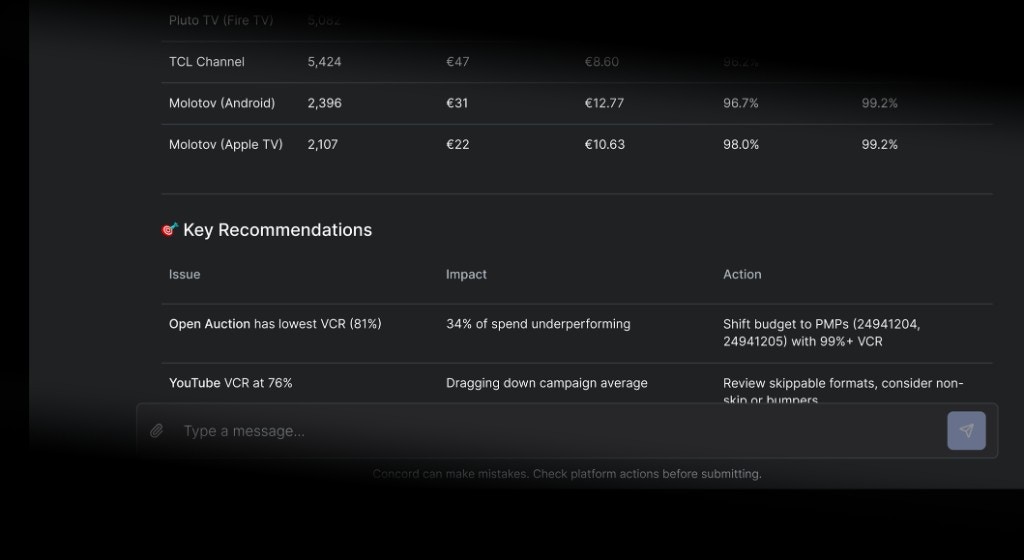
DV360 reports no longer require a campaign ID or advertiser ID. Ask for performance data at any scope, from a single line item to your entire account, and Concord pulls the right numbers. Advertiser currency now flows through end to end, and data accuracy is meaningfully improved across the board.→ Pull a reportAlso new:
- Meta product catalogs. Search your Meta catalogs from chat, with inline product thumbnails. Ask Concord to build a Collection ad and it generates the Instant Experience canvas for you.
- Temporary Chat. A ghost icon in the chat toolbar starts a session that is not saved to your history.
- Platform actions sidebar. The action payload now displays as a collapsible inline tree, no separate view needed.
- DV360 blacklist. Optimization recommendations are now surfaced as platform actions, reviewed and approved before they go live.
Invite your team yourself
You can now invite teammates to your Concord workspace directly from the app. Go to Settings, open the Members page, enter an email address, and pick a role. The invitation goes out immediately.You can resend or cancel any pending invitation from the same page.→ Invite a teammateThe agent reads your files more deeply
When you upload a file in chat, Concord now analyzes it more thoroughly. It can work through spreadsheets sheet by sheet, detect what each one contains, and build on that content directly in the conversation. Whether you’re sharing a media plan, a targeting list, or a data export, the agent has more to work with.→ Start a new chatSkills, reusable instructions for your team
Concord now remembers how your team works.Skills are short, named reusable instructions: naming rules, the way you set up a TrueView line item, your QA checklist before launch, the columns you always want in a report. Concord pulls in the right ones the moment they become relevant, so you stop typing the same thing in every chat.Each Skill stands on its own. Edit one or turn it off without touching the rest.→ Open SkillsConcord proposes new Skills itself, or just ask
Two ways Skills get written.Concord watches the patterns in your chats. When it spots a recurring preference, like a naming convention you keep correcting, it proposes a new Skill on the spot. Accept it, and the next chat already knows.Or take the wheel. Tell Concord “remember to always do X” and it writes the Skill for you.→ Create a SkillAlso new, Questionnaires in chat
When Concord needs a decision from you, it now opens a Questionnaire instead of asking in plain chat.Each question comes with quick-answer options Concord recommends based on what it already knows: the conversation so far, the platform you’re targeting, and your Skills. Pick one with a click, or type your own answer in the free-text field, with file attachments if you need them.→ Start a new chatA new sync engine for DV360 and Meta
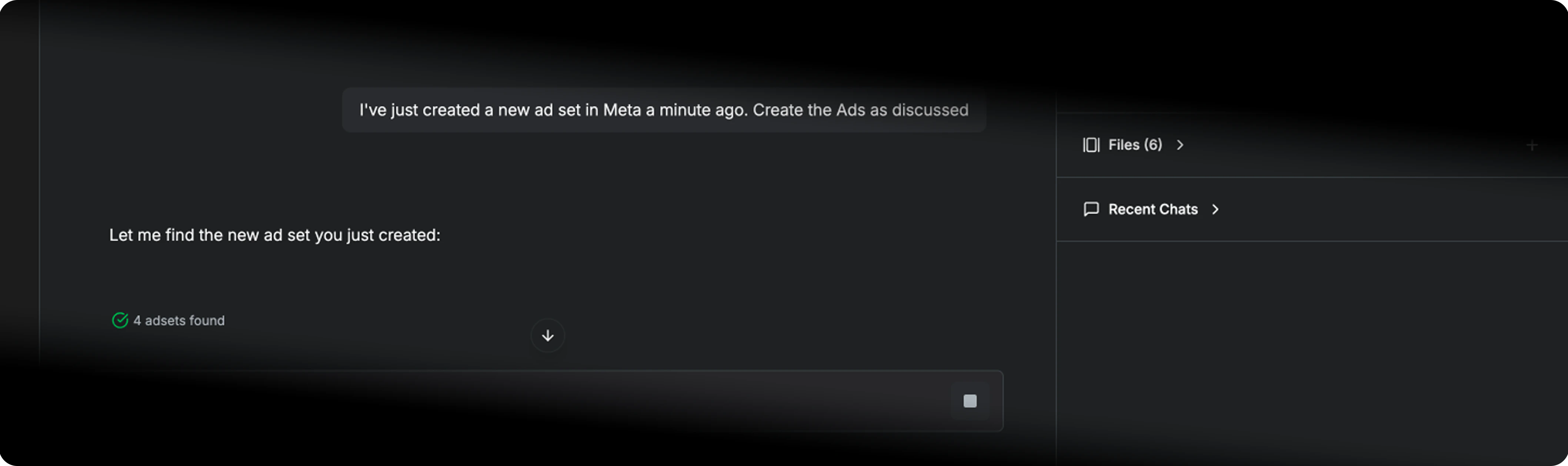
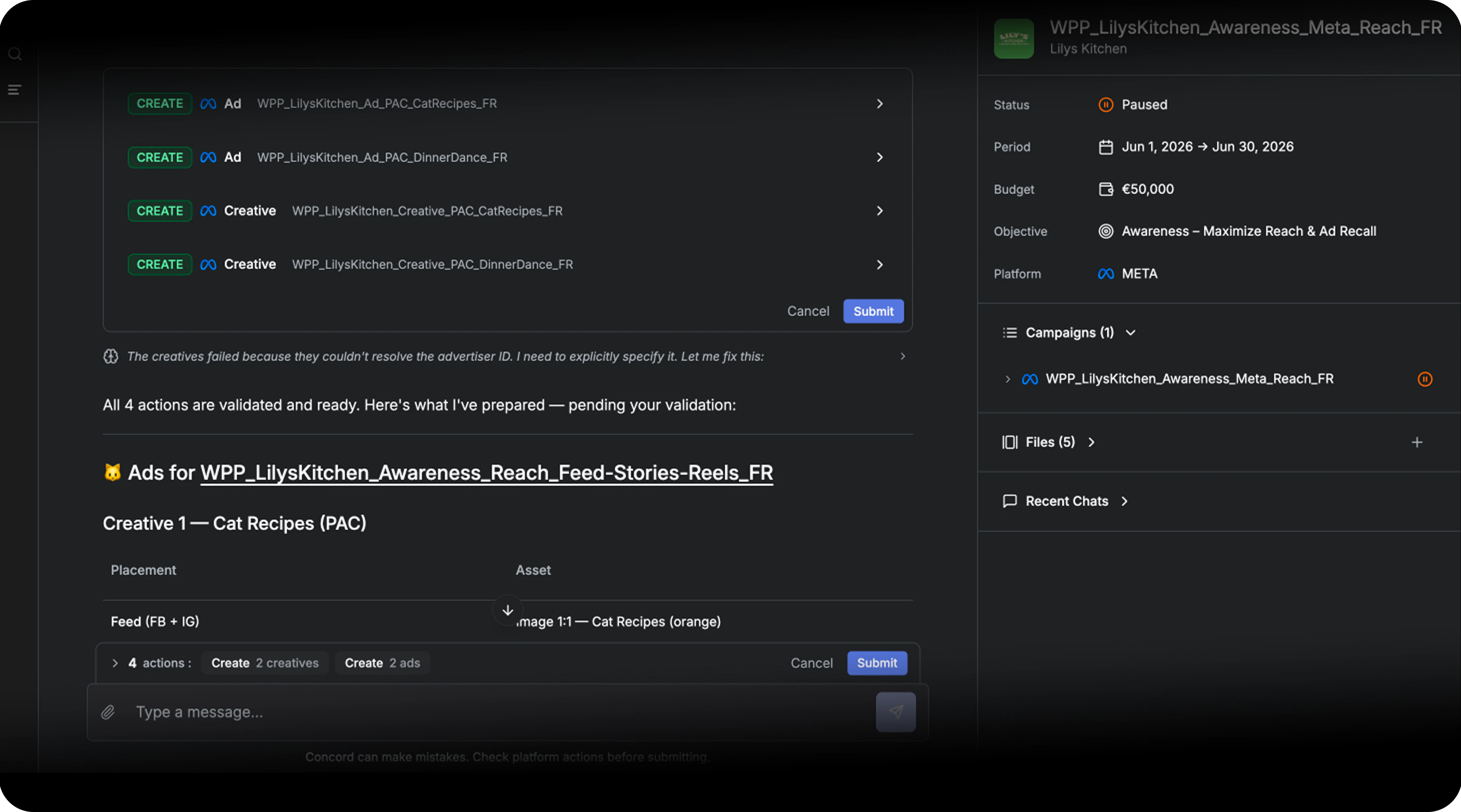
A more robust campaign-building agent
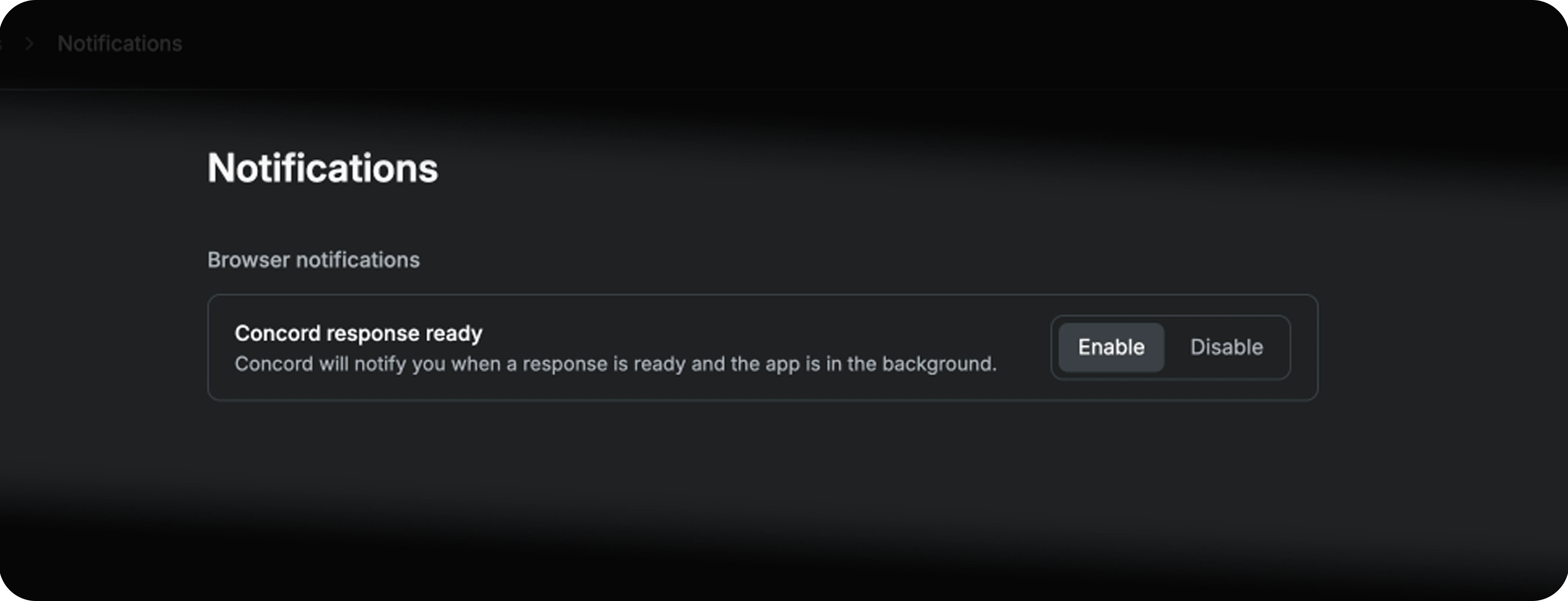
Browser notifications, work in parallel
Also fixed and improved:
- DV360 pacing guardrail. Flight Ahead and Even pacing are now blocked on Unlimited budgets.
- TrueView and Demand Gen. Auto-cancel of line items under IO with a non-Amount Budget Type, Video Ad Inventory Control required for Reach subtype, Category Exclusions only applied where they belong.
- Meta video uploads. Heavy files now ship via chunked upload (no more failures on big creatives).
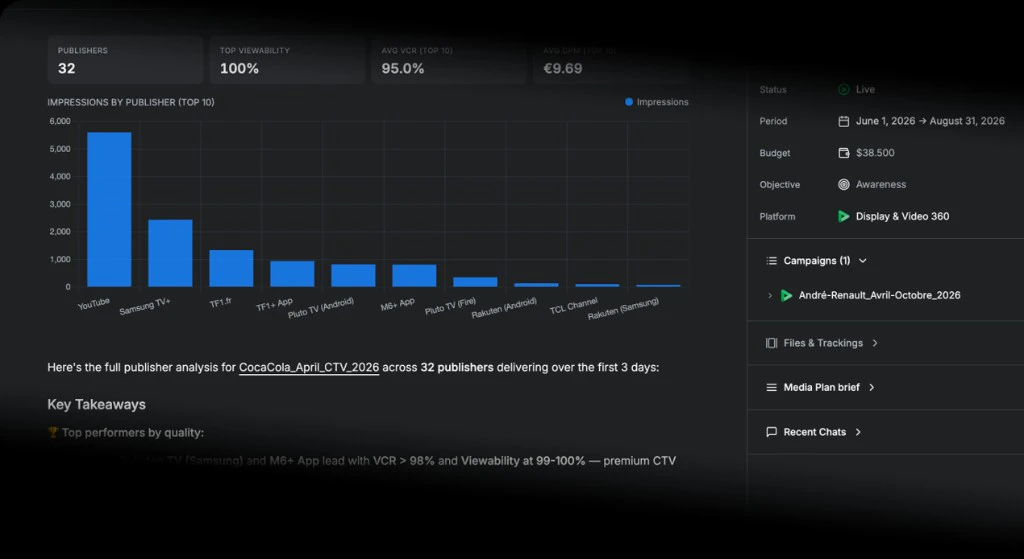
Charts in your report
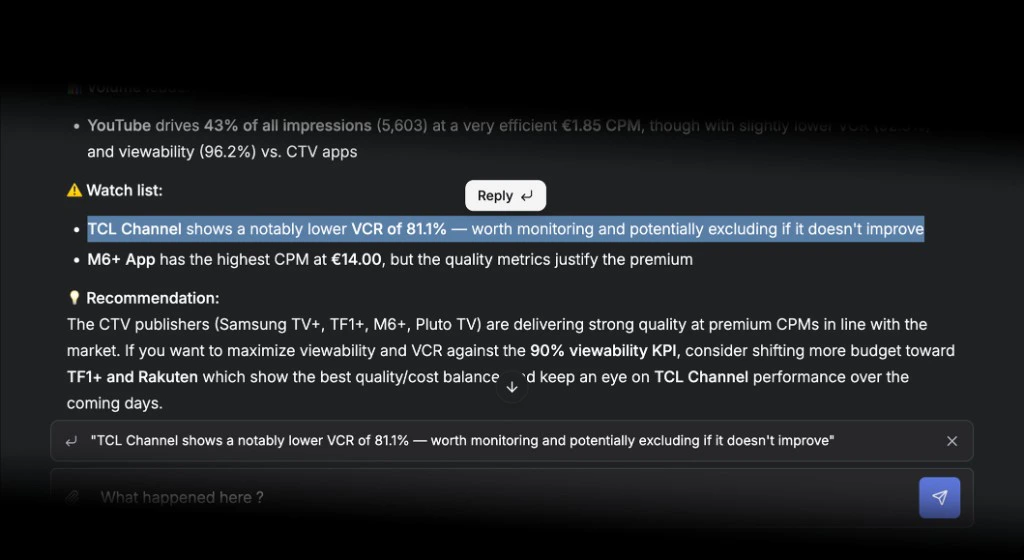
Reply to any message
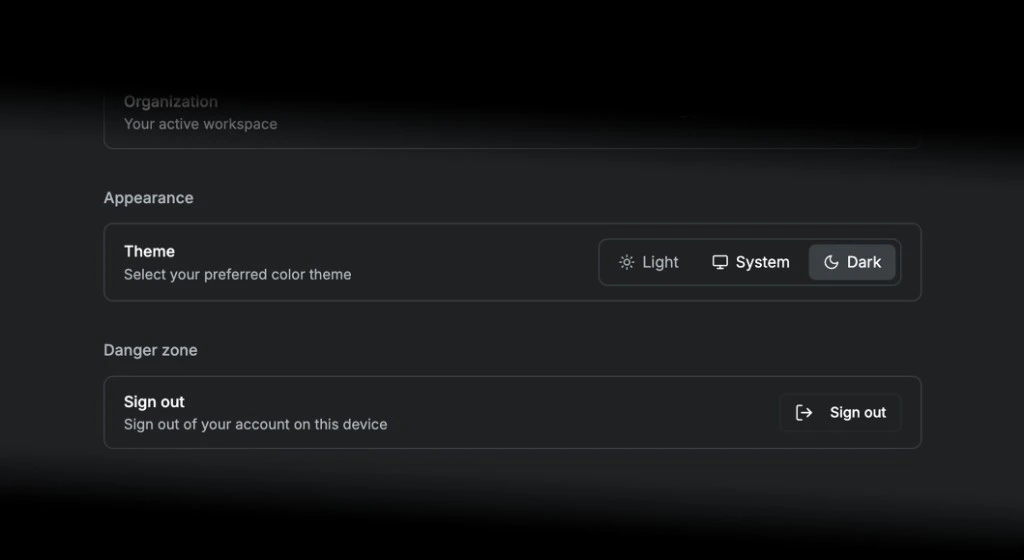
Theme & dark mode
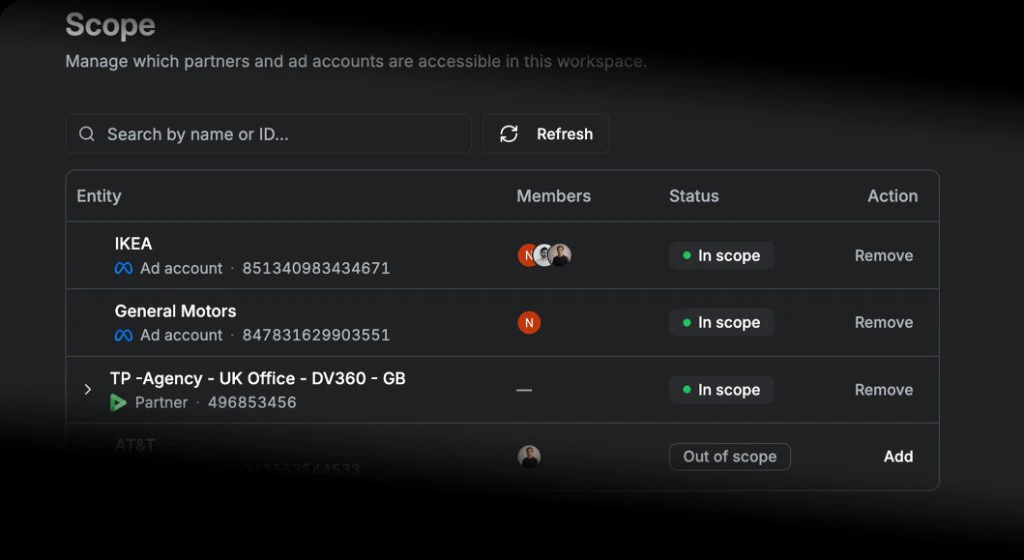
Manage your scope
Meta integration
On-demand DV360 reporting
Version history for instructions
See which DV360 partners you have access to