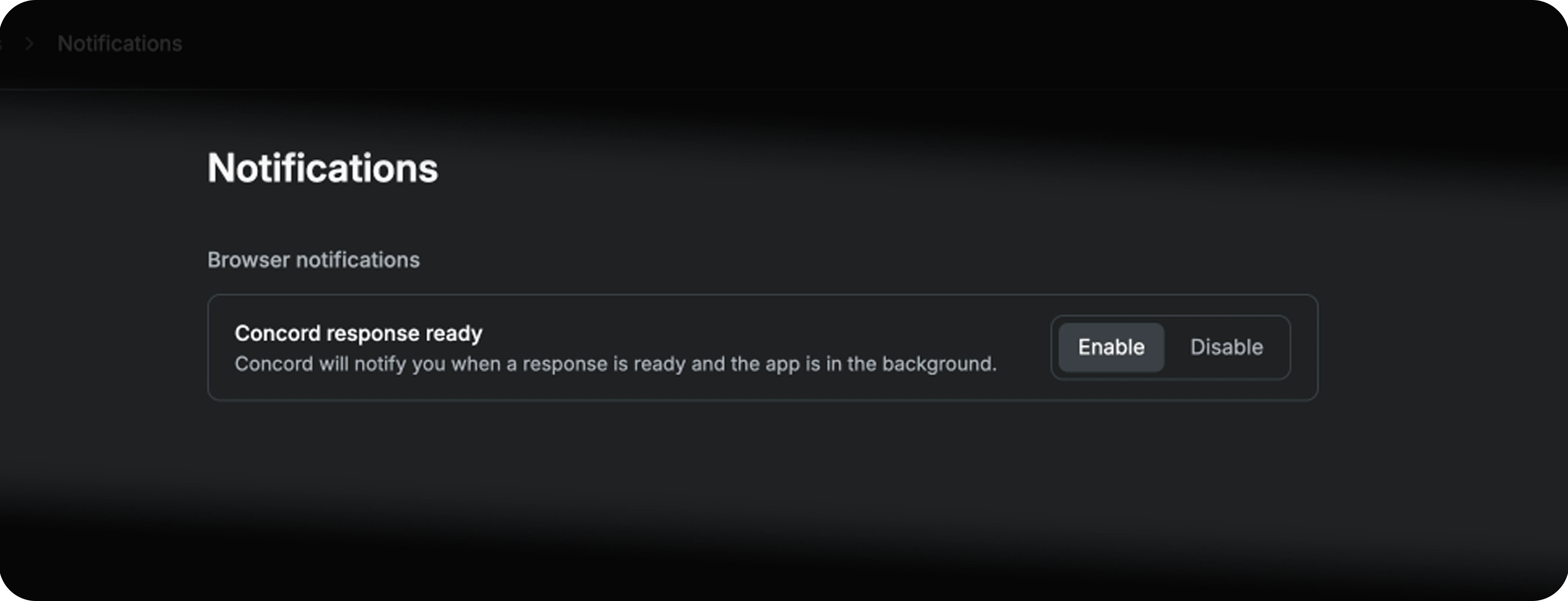
Browser notifications let Concord notify you when a response is ready and the app is in the background. You can launch a campaign build, switch to your inbox or another tab, and come back exactly when it matters. Click a notification to open its conversation.
Notifications only fire when the Concord tab is in the background. If the app is in focus, you keep working without interruption. Temporary chats never send notifications.
When an automation run completes, Concord emails the report to the member who created the automation and to the members it is shared with, with a link to continue the conversation. Concord never emails your advertiser or your client on your behalf. See Automations.
Go to Settings → Notifications and click Disable next to Concord response ready. The setting applies to the device you are on, and you can re-enable it at any time.
Pair notifications with parallel work: kick off a long campaign build, switch to something else, and let Concord call you back when the run lands.