
What is Action History

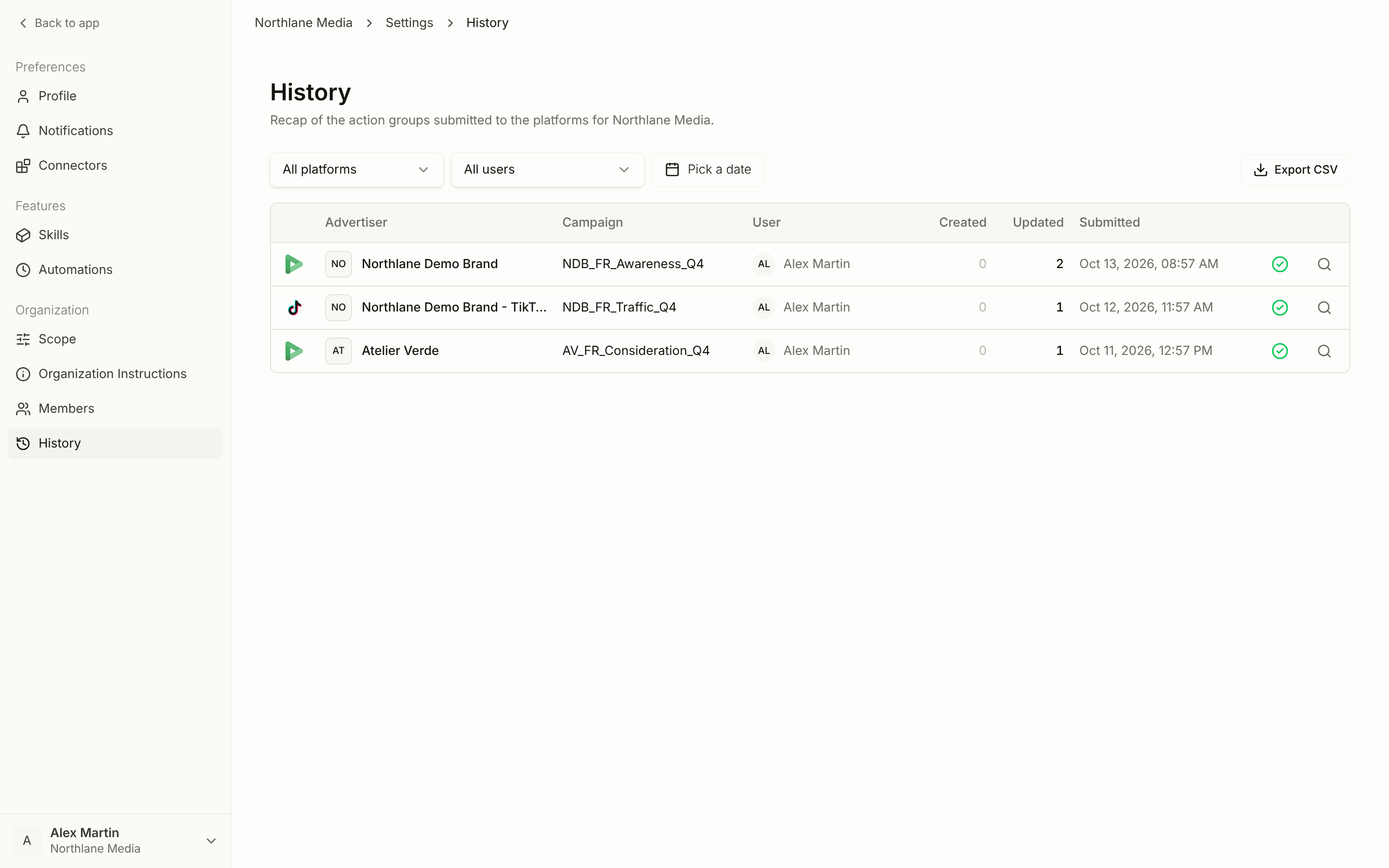
The History page in Settings gives you a complete log of every platform action your team has submitted across all your DSPs and media plans. Use it to audit what changed, trace which chat triggered a set of changes, or review a specific teammate’s submissions.

Open History

Review your team’s submitted actions in Concord.
Filtering

Narrow the log by:
  • User — see only actions submitted by a specific teammate
  • Platform — filter to DV360, Meta, TikTok, Amazon, or other connected DSPs
  • Date range — restrict the log to a specific submission window
All active filters are preserved in the URL so you can bookmark or share a filtered view.

Details sidebar

Click any row to open a side panel showing the full action group: the individual actions, their status, the campaigns affected, and the chat that triggered the submission. If the group belongs to a media plan, the header links directly to that brand and plan. When only one action group matches your current filters, the sidebar opens automatically.

CSV export

Use the Export button to download the current view as a CSV. The export respects your active filters, so you can pull a clean audit trail for a specific platform, user, or date range.