Documentation Index

Fetch the complete documentation index at: https://docs.concord.ad/llms.txt

Use this file to discover all available pages before exploring further.

Two ways memory grows

Concord proposes

When Concord spots a recurring preference across your chats, for example a naming convention you keep correcting, it suggests a new Skill on the spot. Accept the suggestion and the next conversation already knows the rule.

You ask

Tell Concord to remember something and it writes the Skill for you.
  • “Remember to always use the format country / format / objective for line item names on this brand.”
  • “Remember to ask for confirmation before reallocating budget across IOs.”
  • “Always include CTR, viewability, and VCR in my weekly report.”
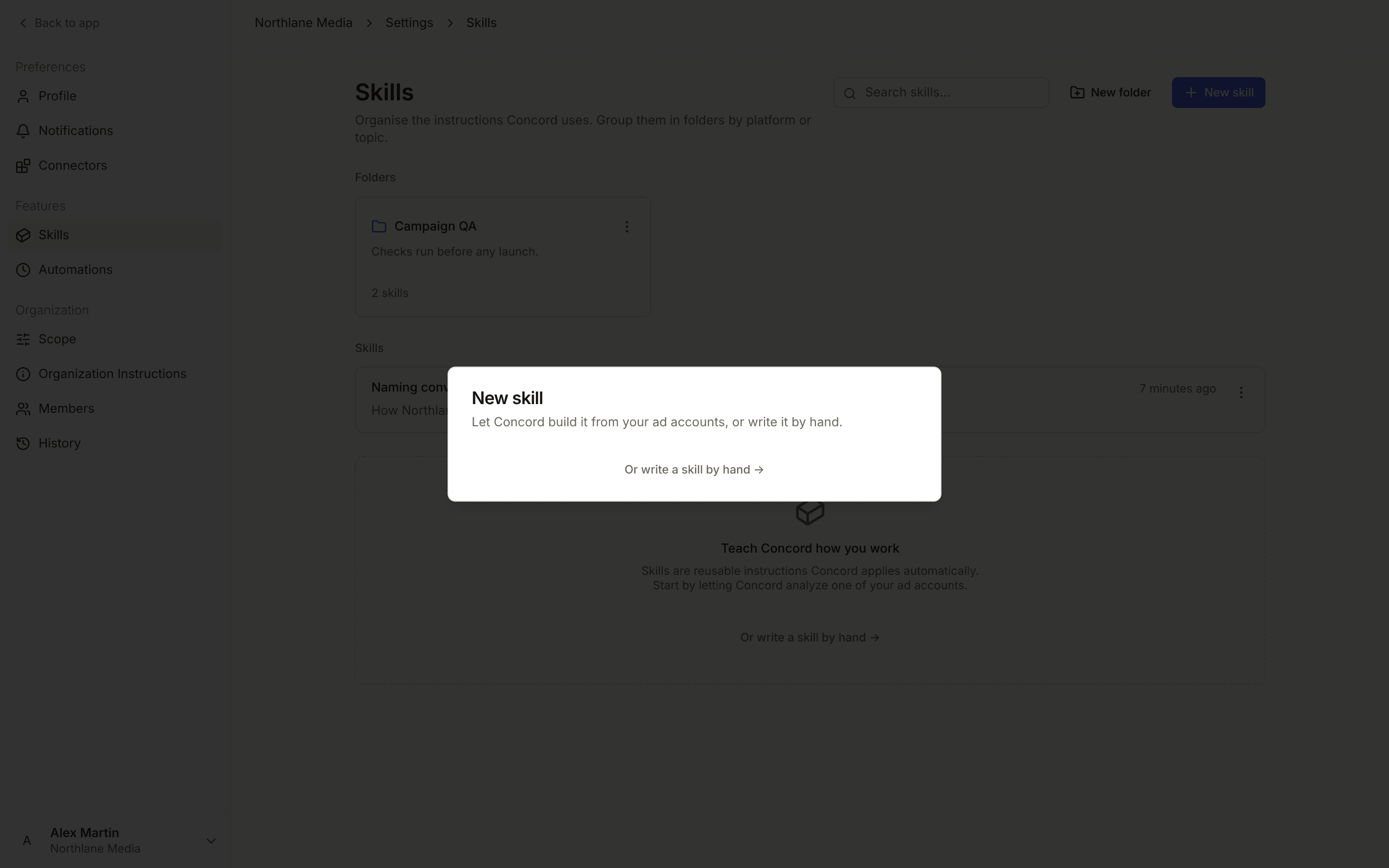
You can also create a Skill from scratch in Settings.

Creating a Skill from Settings

Open Skills

Manage every Skill in your workspace.
1

Open Settings, Skills

Click your profile in the top right, open Settings, and select the Skills tab.
2

Create a new Skill

Click “New skill” and pick a template (DV360 specifics, Meta specifics) or start from a blank canvas.
3

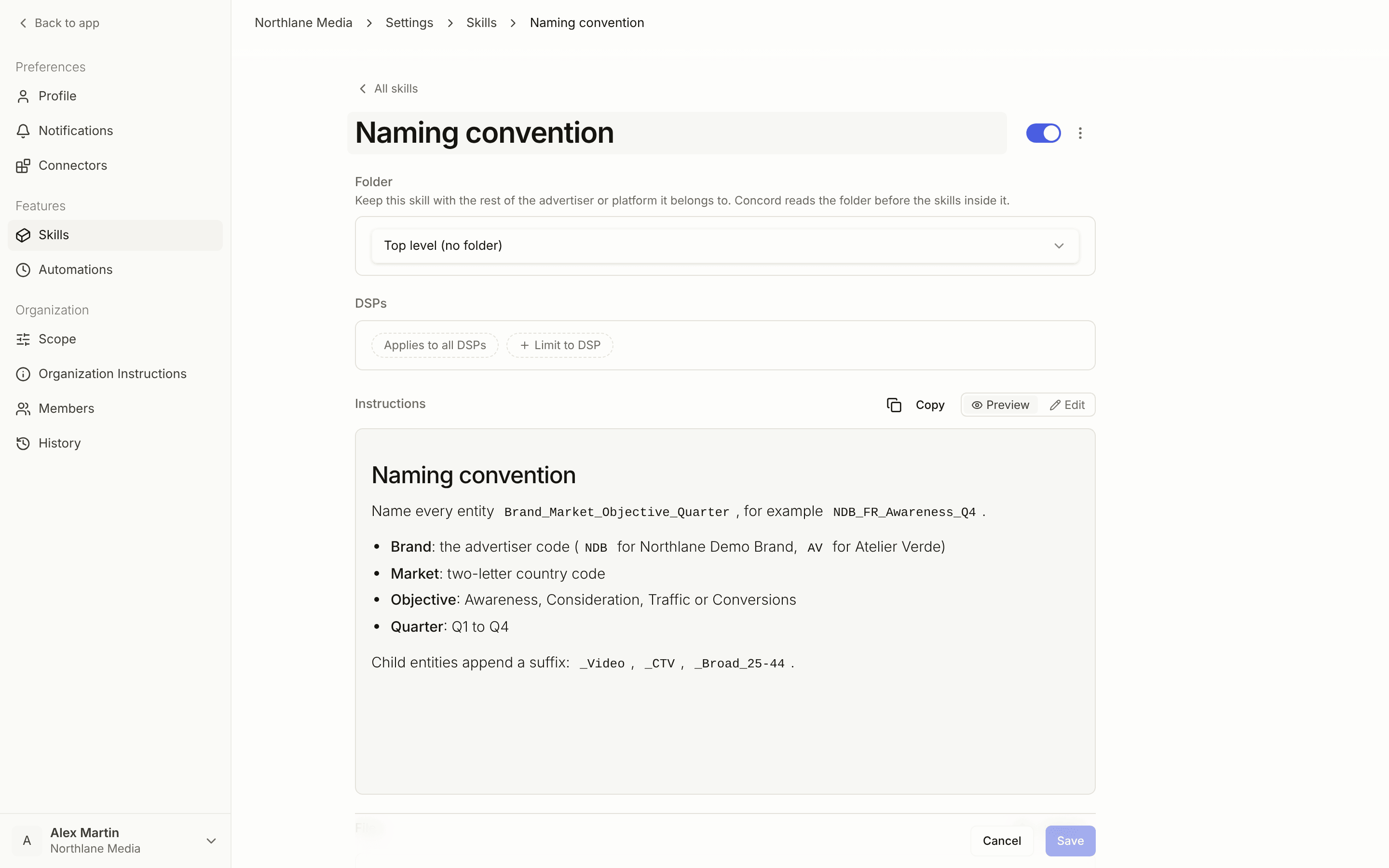
Name it and write the rules

Give the Skill a clear, topic-based name. Write the rules in plain English, the way you would explain them to a teammate.
4

Set the scope

Leave it workspace-wide, or pick the specific brands the Skill should apply to.
5

Save

The Skill is live immediately. Concord uses it in the next chat that fits its scope.

Skill examples

Naming convention:
Line item names follow: country / format / objective / phase.
Apply detailed taxonomy only at line item level.
Campaign and IO names should mirror the brief exactly.
QA checklist before launch:
Before submitting any DV360 line item:
- Frequency cap set
- Brand safety lists applied
- Geography matches the brief
- Pacing is "Even" unless the user asks for "Ahead"
Reporting defaults:
Default report columns: impressions, clicks, CTR, viewability rate, VCR, cost.
Always group by line item by default.
Compare to previous period unless a different range is requested.
Brand-specific positioning:
Premium athletic wear, target serious runners and fitness enthusiasts.
Avoid mass-market language and price-driven messaging.

Best practices

One topic per Skill. Smaller, focused Skills are easier for Concord to load only when they matter. Avoid a single mega-Skill with every rule. Be specific. Spell out exact thresholds, names, and formats. “Always use the brief budget” is clearer than “match the brief”. Cover what to do when info is missing. Tell Concord to ask, use a placeholder, or apply a default, so it doesn’t guess. Scope tightly. If a rule only applies to one brand, scope the Skill to that brand. Workspace-wide rules end up loaded everywhere. Disable rather than delete. Turning a Skill off keeps the history if you want to re-enable later.
The fastest way to bootstrap good Skills is to let Concord propose them as you work. Every accepted suggestion is one less thing to type tomorrow.