

Quick setup
1
Sign in
Google SSO, Microsoft SSO, or a one-time email link. See Signing in.
2
Connect your advertising platforms
Link your accounts. Concord synchronizes your campaigns, advertisers, and delivery data.
3
Set your scope
An admin chooses which advertisers and accounts the workspace can act on. See Managing scope.
4
Talk to Concord
Paste a brief, or ask for a change: “Extend the summer campaign by two weeks and add $10K.”
5
Approve
Concord prepares a platform action detailing exactly what will change. Nothing is applied before you approve.
Your role
Every workspace member has one of three roles: Owner, Admin, or Member. Admins manage the team, the scope, the shared instructions, and the workspace Skills. Members do day-to-day campaign work within that scope.Admins can invite team members and change roles from Settings → Members. See Roles and permissions for the full breakdown.
After connection
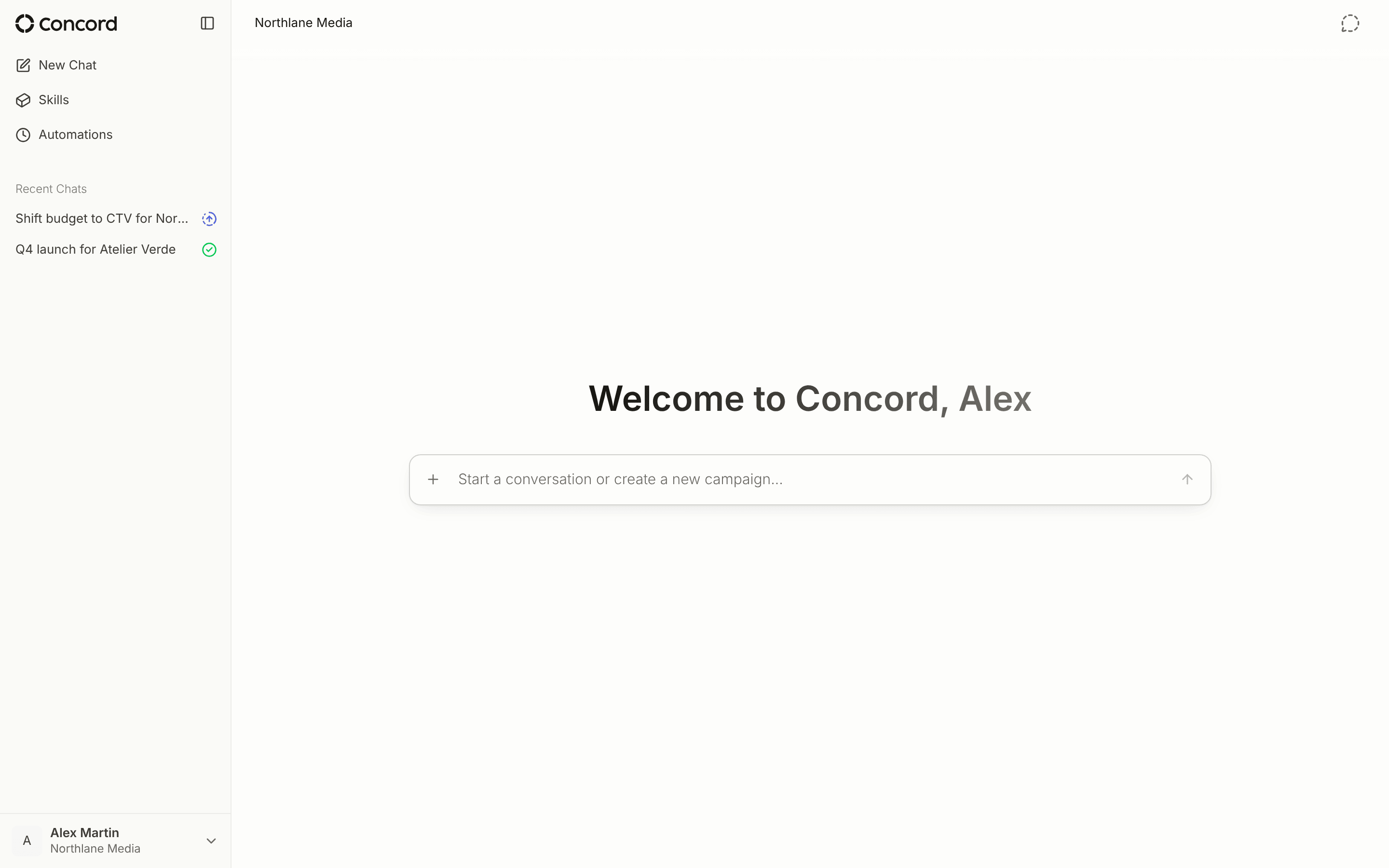
Once a platform is connected and its accounts are in scope, Concord synchronizes their campaigns, and you can work on them from any conversation.Interface overview
The sidebar holds what you use constantly:- New Chat — where every request starts
- Skills — your reusable instructions
- Automations — recurring tasks
- Recent Automations, Shared Chats, and Recent Chats
First conversations
Create a campaign
Create a campaign
“Create a campaign from this brief — targeting 25-45 women in the US, $20K budget, running October 1–31.”
Update a campaign
Update a campaign
“Increase the budget on my Back to School campaign by $5K and extend the end date by two weeks.”
Performance check
Performance check
“Which campaigns are underdelivering this week?”